Application noteChecking tablets in blister pockets before sealing
The short answer
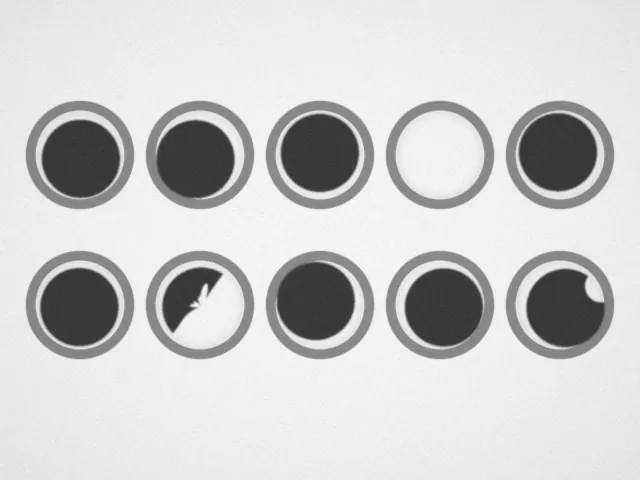
Light the clear forming web from below with a backlight. Every tablet shows as a dark, sharp shape in its pocket, so empty pockets, broken tablets and chips are simple to find.
- Technique
- Backlight
- Industry
- Pharma and food
What the camera sees
Camera views are simulated: the part and the lights are modelled, then rendered as a monochrome camera would see them.
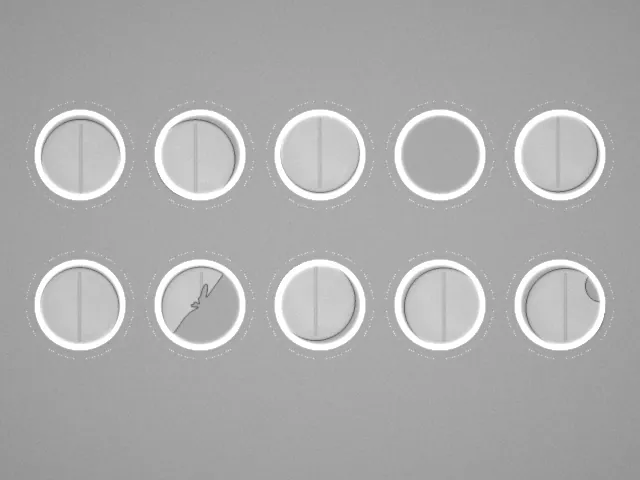 Ring lightBacklight
The problem
On a blister line, tablets and capsules drop into pockets formed in clear PVC or PVDC film, and each pocket must hold one whole tablet before the foil is sealed on. Lit from above, every pocket wall is a curved, glossy surface that throws a ring of glare. White tablets have little contrast against the light film, and an empty pocket's glare ring looks much like the edge of a tablet.
Why it works
From below, light passes through the clear film everywhere except where a tablet blocks it. The tablet becomes a dark silhouette with a sharp outline, whatever its colour, coating or print. The pocket walls only bend the light, so they show as soft grey rings that stay outside the tablet's outline. An empty pocket is bright all through; a broken or chipped tablet has a smaller area and a broken outline.
How to set it up
- Mount a backlight under the web at the inspection station, before sealing, with the camera above.
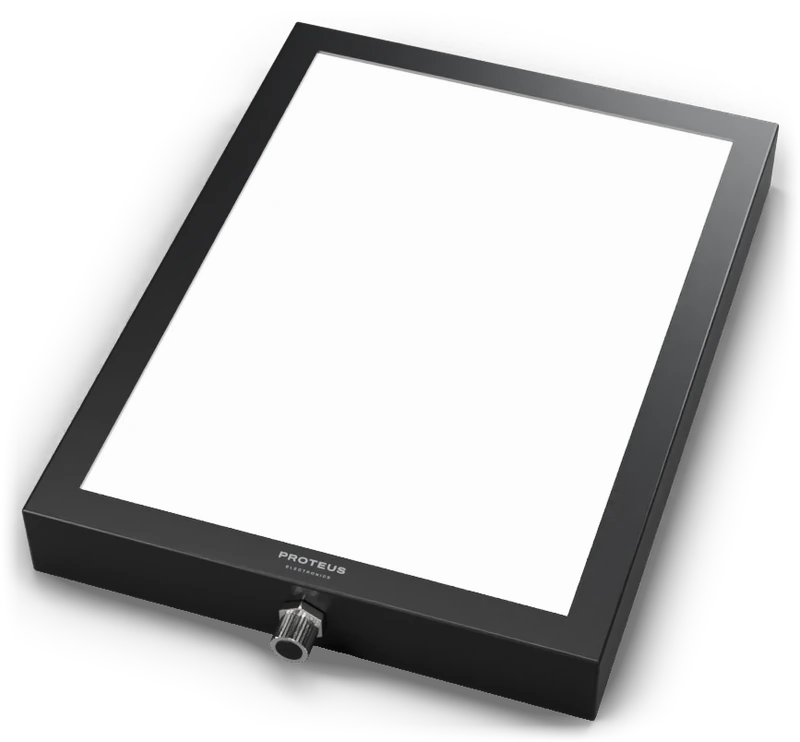
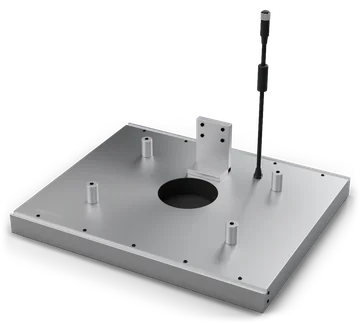
- Size the backlight to cover every pocket in view, with a margin. Nebula and Ceres panels are made in custom sizes for wide webs.
- Measure the area and the outline of each tablet against a good one.
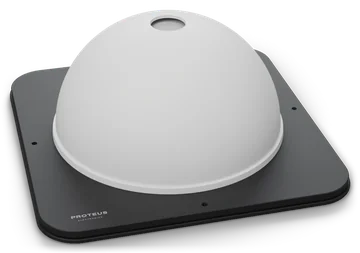
- To check colour, print or surface chips on the tablets, add a dome light from above and capture a second image.
- Once the foil is on, it blocks the backlight. Check print and seal on the foil side with a broad area light or a dome.
What usually goes wrong
- A ring light from above, which puts a ring of glare on every pocket wall.
- Opaque or heavily tinted film, which passes too little light for a clean silhouette.
- Two tablets stacked in one pocket, which can look like one from above. Check the area, or the height, if your feeder can double-drop.
Lights for this job
More application notes
Tell us what you need to see.
Describe the part, the defect and the working distance. An engineer replies with the light, or designs one.