Machine vision co-axial lightsQuasar
Diffused light on the camera axis.
Co-axial lights use high-quality mirrors and window glass to light the object evenly from the same axis as the camera: stable imaging for scratches, dimensioning and dents on reflective parts.
Available in white, red and blue.
What a co-axial light does to a part.
Light travels down the camera's own axis. Flat, mirror-like faces glow evenly; a dent or a scratch breaks the reflection and shows dark.
The bench below is a simulation. Change the part or the wavelength, and drag to look around.
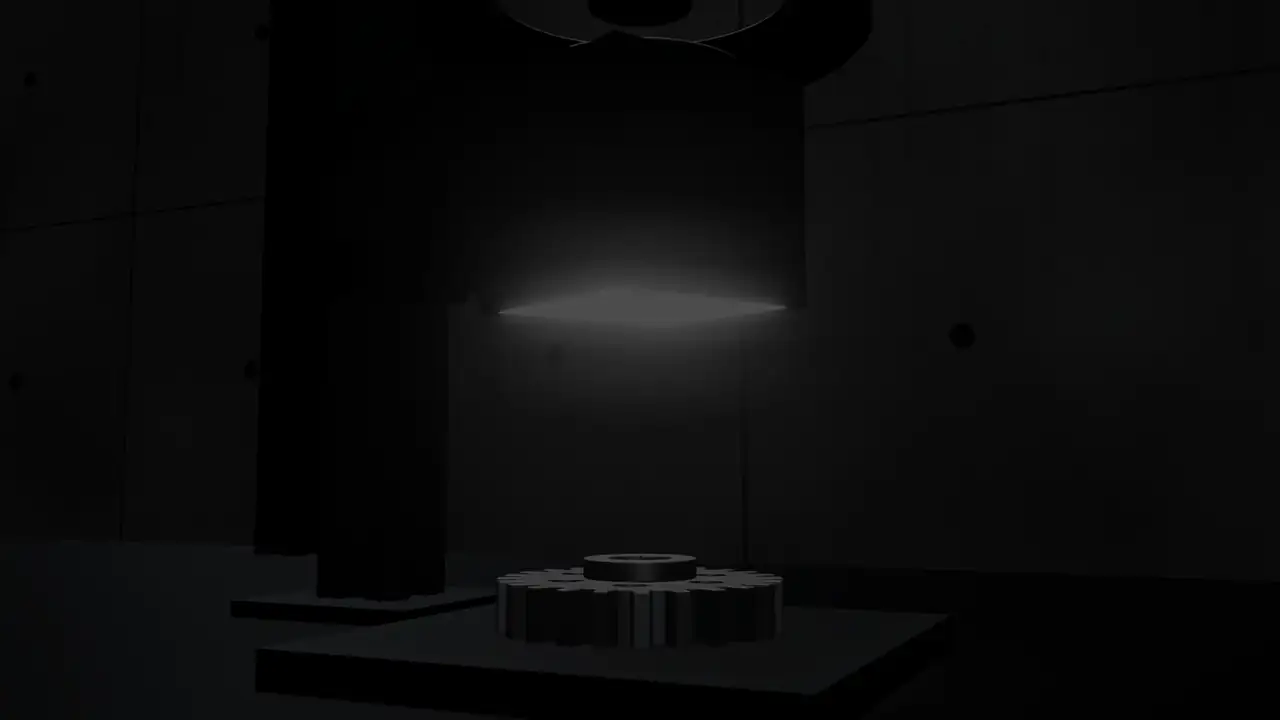
Where Quasar co-axial lights work
- Scratches, dents and pits on ground, lapped or polished flat faces.
- Laser-etched marks and 2D codes on smooth metal.
- Dimensional checks on flat, reflective parts.
- Flat, shiny faces where a dome light would leave a dark spot from its camera hole.
Models and wavelengths
| Quasar Dark-Field | WRB |
|---|
Dimensions, drawings and STEP models are sent with the datasheet.
Choosing a co-axial light
Aperture
The window must be larger than the field of view, because the camera looks through it.
Part orientation
Co-axial light works on faces that sit square to the camera. A tilted face reflects the light away and goes dark.
Light level
The beam splitter sends only part of the light to the part, so plan for more intensity or a longer exposure than with a ring light.
Wavelength
White, red and blue.
Application notes
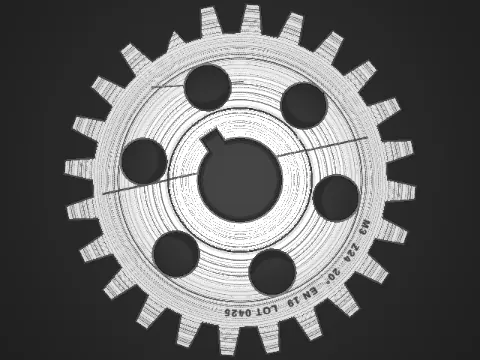
Co-axial
Finding scratches and dents on ground or polished facesUse a co-axial light.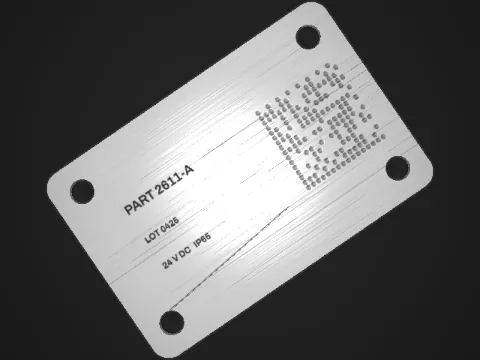
Co-axial
Reading laser marks on flat metal and plastic partsUse a co-axial light on smooth, flat faces.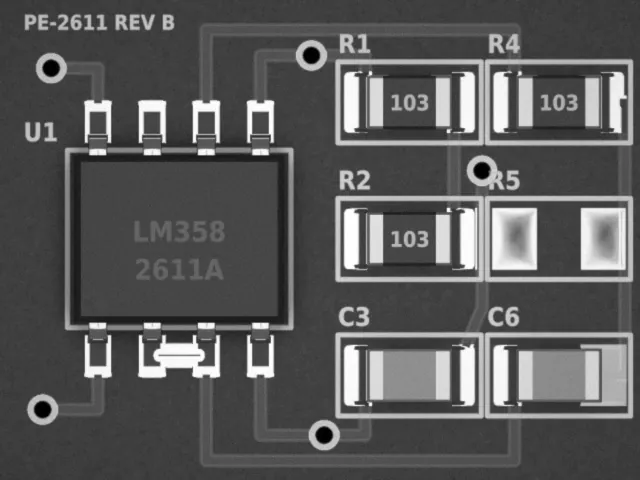
Dome
Inspecting solder joints and components on PCBsUse a dome light.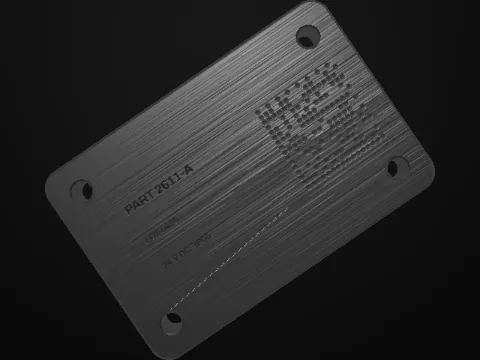
Dark field
Reading dot-peened 2D codes on metalUse dark-field lighting: a low-angle ring light placed close to the part.
Tell us what you need to see.
Describe the part, the defect and the working distance. An engineer replies with the light, or designs one.